How to Recover Data From a Dead Hard Drive
What to stop doing right now, what you can safely try, and when to hand it to a professional.
Repair guide
The first five minutes after a spill matter most. What to do straight away, the common "fixes" to avoid, and why a laptop that seems fine still needs a check.
Quick answer
Switch the laptop off at once, holding the power button if you need to, and unplug the charger and everything else. Don't switch it on or charge it to test it. Stand it upside down in a tent shape to drain, wipe the outside, skip the rice and hairdryer, and get it opened and cleaned quickly.
A glass of water knocked over the keyboard, tea during a late study session, or a bag caught in a monsoon downpour. Liquid spills are among the most common laptop accidents, and among the most fixable, if you act quickly and avoid the popular “fixes” that make things worse.
The key fact to remember: water by itself is rarely what kills a laptop. Electricity flowing through wet parts causes short circuits, and liquid left inside slowly corrodes the board. Your job in the first few minutes is to stop both.
Most modern laptops, including MacBooks and thin Windows models, have a battery sealed inside the case. That means the board can still have power even when the laptop is “off” and unplugged, which is exactly why a quick professional strip-down matters: the technician disconnects the battery before cleaning. Until then, keep it switched off, unplugged and upside down.
If you see smoke, smell burning or notice the case getting hot or swelling, don’t touch the power button again. Move the laptop away from anything that can burn, onto a hard surface, and get help.
Plenty of advice online sounds sensible but does more harm than good:
Yes. Tell the technician what it was, because it changes how much damage to expect and where to look first.
| Liquid | Why it matters | What it means for the repair |
|---|---|---|
| Plain drinking water | Least harmful, but its minerals still cause corrosion if left inside | Often a good outcome if cleaned quickly |
| Tea or coffee with milk and sugar | Leaves sticky residue that holds moisture and jams keys | Keyboard and board need careful cleaning |
| Soft drinks and juice | Sugary and acidic, so they corrode connections faster | Act fast; damage grows with time |
| Rain or flood water | Often dirty and full of minerals, so it conducts electricity easily | Needs a thorough strip-down and clean |
Swipe the table sideways to see every column
Not necessarily. Liquid that has seeped under the keyboard can sit on the motherboard while the laptop seems to work normally. Over the following days it can corrode tiny components and connections, and the faults then appear one by one: keys that stop working, a touchpad acting up, random shutdowns, or a laptop that won’t start at all.
Getting it opened and cleaned early is much cheaper than repairing corrosion later. If the spill was more than a few drops, have it checked even if everything looks fine.
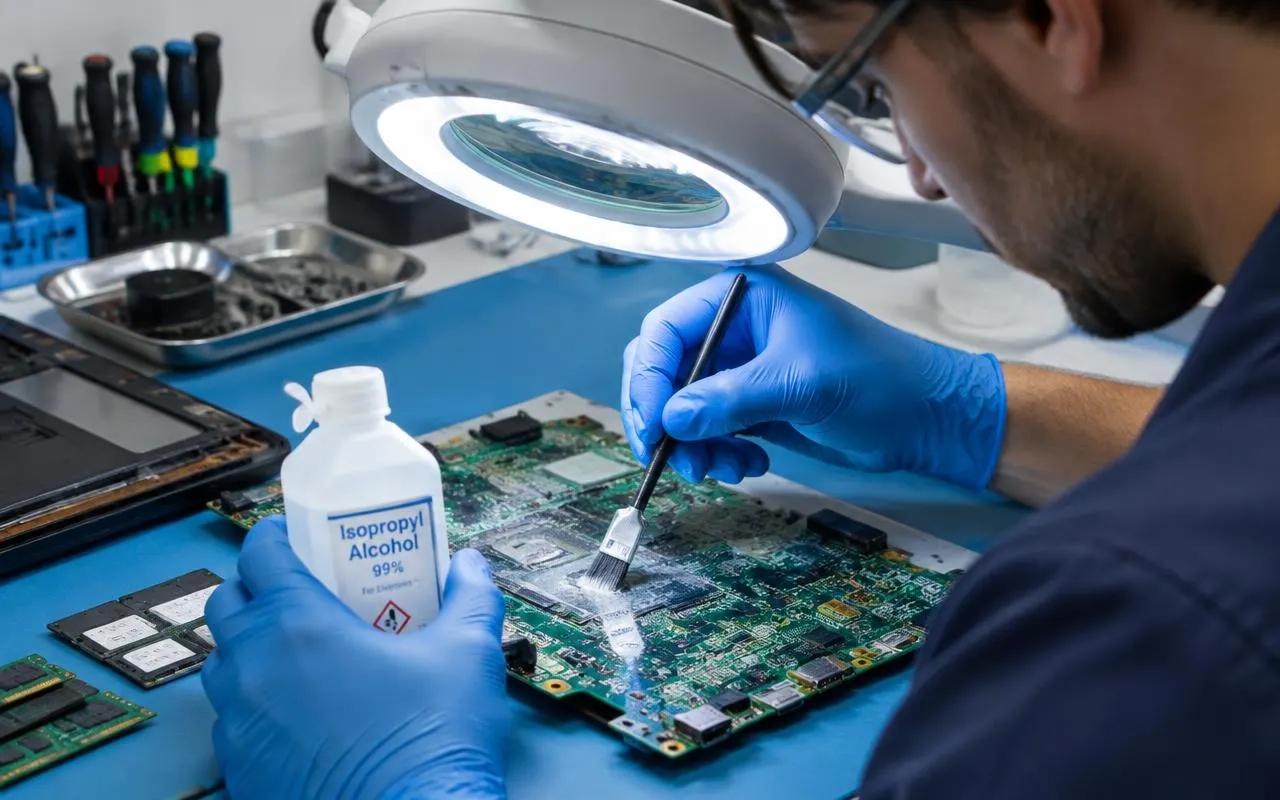
A proper liquid damage repair starts with opening the laptop and inspecting the board, keyboard and connectors for liquid, residue and corrosion. Affected parts are cleaned with suitable electronics cleaner, then everything is tested. Only then can a technician say what needs replacing. At Alvyntra we quote at that point, before any repair, with a 90 days on parts and labour warranty on the parts and work.
Be prepared for an honest answer. Many spilled laptops can be saved, especially when they come in quickly, but some boards are too corroded to repair economically. Most standard manufacturer warranties also exclude liquid damage, unless you bought separate accidental damage cover.
Often not. The storage drive may well survive even when other parts don’t, and files can usually be copied from it while the rest of the laptop is repaired, or if it cannot be saved. That is not guaranteed, so this is a good moment to think about data recovery and regular backups.
To avoid the next spill, keep drinks on a separate surface away from the laptop, and use a waterproof bag or rain cover during the monsoon. If it has already happened, our liquid damage repair service in North Dum Dum can open and clean it quickly. Book a slot or WhatsApp us what was spilled and when.
Don't rely on waiting. Liquid and residue can stay trapped under chips and connectors for days, and drying from the outside does not remove them. The safest approach is to keep it off until it has been opened, cleaned and checked.
No. Hot air can warp plastic parts and the keyboard, can push liquid further inside, and bakes sugary residue onto the board. Keep it switched off, let it drain upside down and get it cleaned properly.
Wiping the keycaps only cleans the surface. Sticky or dead keys usually mean residue has got under the keyboard, sometimes onto the board below. On many thin laptops the keyboard is fixed to the top case, so cleaning or replacing it is a workshop job.
For a separate keyboard, unplug it, turn it upside down to drain and let it dry fully before use. If liquid got into the PC itself, switch it off at the wall, unplug it and have it checked before powering it on again.
Tell them what the liquid was, roughly how much, when it happened and whether the laptop was switched on or charged afterwards. Water, sweet tea and soft drinks cause different kinds of damage, so this helps them check the right places first.
Keep it switched off and bring it in. We open, clean and test it, then quote before any repair.