
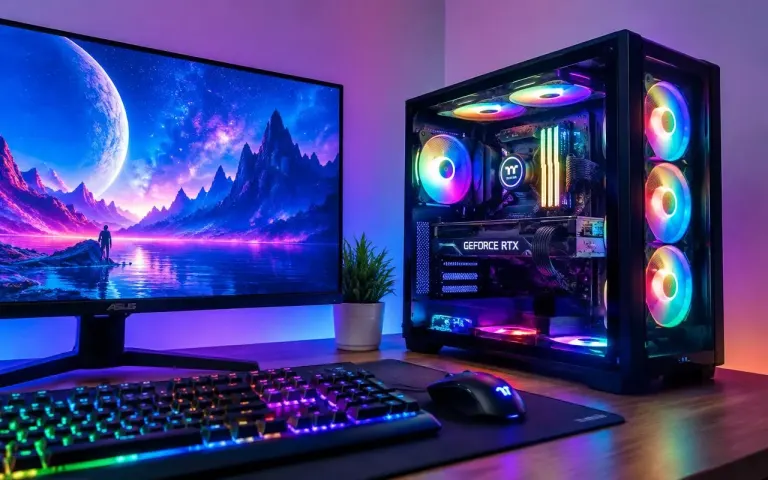
Esports Starter Build
- 6-core processor (Ryzen 5 / Core i5 class)
- 8 GB graphics card for 1080p high settings
- 16 GB DDR5 RAM (2 × 8 GB)
- 1 TB NVMe SSD
Call for latest price
Shop · Gaming
From smooth 1080p esports machines to 1440p and 4K rigs. Tell us the games you play and your budget, and we will match the build to it, not the other way round.
Quick answer
Choose a gaming desktop by your monitor first. For 1080p, a mid-range graphics card with 8 GB of video memory is enough for most games. For 1440p or high refresh rates, step up to 12 GB or more. Pair it with 16–32 GB of RAM, a fast NVMe SSD and a quality power supply.
Gaming PCs
Choose a tier to filter the builds. Every configuration can be adjusted to your budget.
Call for latest price
Call for latest price
Call for latest price
Call for latest price
Call for latest price
Call for latest price
Sample configurations to show each tier. Exact parts, availability and price are confirmed when you enquire.
Buying guide
Four decisions make most of the difference. Get these right and the rest is personal taste.
The graphics card (GPU) does most of the work in games. Buy for the resolution and refresh rate of the monitor you will actually use; a 4K-class card on a 1080p screen wastes money.
Check video memory: 8 GB for 1080p, 12 GB or more for 1440p and above.
A modern 6-core processor handles most games well. Step up to 8 cores if you also stream, edit video or run heavy simulation games.
A very fast CPU with a weak GPU usually means lower FPS than the reverse.
16 GB of RAM is the comfortable minimum today; 32 GB gives headroom for streaming and multitasking. Games load fastest from an NVMe SSD, and modern titles can need 100 GB or more each.
Two matching RAM sticks (dual channel) perform better than one.
A quality power supply with some spare wattage protects every other part and leaves room for a future GPU upgrade. Good airflow keeps the system quiet and stops it throttling in long sessions.
Ask us about upgrade paths, or see custom PC builds & upgrades.
Compare tiers
Typical component classes for each tier. We adjust every build to your games and budget.
| Tier | Best for | Graphics (VRAM) | Processor | RAM | Storage | Power supply |
|---|---|---|---|---|---|---|
| 1080p esports | Valorant, CS2, Fortnite at high FPS | 8 GB | 6-core | 16 GB | 1 TB NVMe | 550–650 W |
| 1440p high-refresh | AAA games on a 144 Hz+ monitor | 12 GB+ | 6–8 core | 32 GB | 1–2 TB NVMe | 750 W |
| 4K & creator | 4K gaming, video editing, 3D | 16 GB+ | 8-core+ | 32–64 GB | 2 TB+ NVMe | 850–1000 W |
| Compact | Small desks, living-room setups | 8–12 GB (size-checked) | 6–8 core | 16–32 GB | 1 TB NVMe | SFX unit |
Swipe the table sideways to see every column
Gaming PC questions
Short answers first. Ask us anything else in store or on WhatsApp.
See all FAQsIt depends mostly on the graphics card and the resolution you want to play at. Component prices change often, so we quote the current price for your configuration. Call us for the latest price on any build.
For the same budget, a desktop usually gives more performance, runs cooler and quieter, and is far easier to upgrade. A gaming laptop makes sense if you need to carry it. Compare options on our laptops page.
Yes. We choose a power supply, case and motherboard with room for a future graphics card, more RAM or extra storage. See upgrades.
16 GB is enough for most games today. Choose 32 GB if you stream, keep many browser tabs open while playing, or edit video.
New components carry the manufacturer's warranty. We explain the warranty on each part when you buy; see our terms & warranty page for how we handle claims.
Yes. Share your budget, the games you play and your monitor, and we will suggest a balanced build, explaining where extra money makes a visible difference and where it doesn't.
Keep exploring
Message us on WhatsApp or drop in to see builds in person in North Dum Dum.