
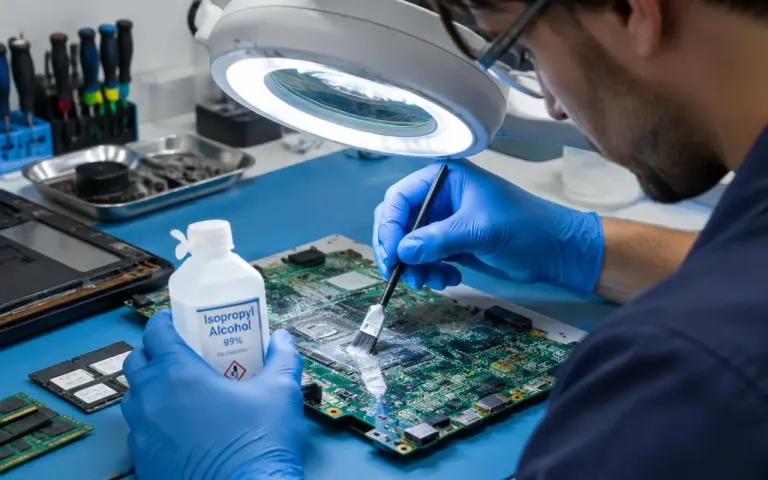
What To Do If You Spill Water on Your Laptop
The first five minutes matter most. What to do, and the common "fixes" to avoid.
Data guide
What to stop doing right now, what you can safely try at home, and when a dead or failing hard drive should go to a professional.
Quick answer
Stop using the drive and switch the computer off, especially if the drive clicks or grinds. Don't keep restarting, run repair tools, format it or open it. Trying another cable, port or computer is safe. For physical faults or files you cannot lose, get a professional assessment: recovery is often possible, but never guaranteed.
When a hard drive stops working, the files on it usually matter far more than the drive itself: family photos, college projects, years of business accounts. What you do in the first hour after a failure often decides how much can be saved, because the most common reactions, such as restarting again and again or running a repair tool, can make things worse.
This guide explains what to stop doing straight away, what “dead” can actually mean, what is safe to try yourself, and when to hand the drive to a professional. One honest point first: nobody can promise to recover your files before the drive has been examined. Anyone who does is guessing.
Then write down what happened: when it started, any noises or error messages, and whether the computer was dropped, got wet or lost power suddenly. Whoever assesses the drive will find this useful.
“Dead” covers very different problems, and the type of failure decides what is possible. Broadly there are two kinds:
Sometimes the drive is fine and the fault is elsewhere. A laptop that won’t switch on because of a power or motherboard fault often has a perfectly healthy drive inside, and the files can be copied straight off it.
| Symptom | Likely cause | What it usually means |
|---|---|---|
| Laptop won’t switch on at all | Power or motherboard fault | The drive is often fine; files can usually be copied off directly |
| “You need to format the disk” | Corrupted file system or partition | Often recoverable; do not format |
| Drive not detected | Cable, connector, electronics or internal fault | Needs assessment to find the cause |
| Clicking, grinding or beeping | Internal mechanical fault | Switch off; specialist work needed |
| Very slow, freezes when opening files | Developing bad sectors | Copy important files now, before it gets worse |
| Files deleted or drive formatted | Logical loss | Recoverable until overwritten; stop using it |
Swipe the table sideways to see every column
These checks are safe because they don’t write anything to the drive or put it under heavy strain:
For a simple accidental deletion on an otherwise healthy hard drive, reputable recovery software can work. Install it on a different drive and save the recovered files to a different drive, never to the one you are recovering from.
The internet is full of tricks for failed drives. Most of them are risky:
Yes. SSDs have no moving parts, so they don’t click, but when they fail they often fail suddenly and completely. Recovery from a dead SSD is often difficult and depends on the model and the fault.
Deleted files are harder to get back from an SSD too. Most SSDs use a feature called TRIM, which clears deleted data soon after you delete it. If you have just deleted something important from an SSD, stop using the computer straight away. Acting quickly gives the best chance, but there are no guarantees.
Bring it in rather than experimenting if the drive makes noises, is not detected, holds files you cannot afford to lose, or if free software has not found what you need. A professional assessment should start by checking the drive without writing to it, then explain what is realistic before any recovery begins. Where the drive allows, the work should be done from a copy rather than the original.
That is how our data recovery service in North Dum Dum works: assessment first, an honest explanation, and a quote before any recovery work. The price depends on the drive and the type of failure (₹500 – ₹5,000), with a typical turnaround of same day to 3 working days. If a drive needs a specialist clean-room lab, we tell you so.
Every drive fails eventually, so the only real protection is a backup. Follow the 3-2-1 rule: three copies of important files, on two different types of storage, with one kept away from your home or office.
If you would rather not set it up yourself, we can set up automatic backups when you book a service.
A repeated click usually means a mechanical fault, often with the read/write heads. Switch the computer off and keep it off, because every minute it runs can damage the surface your data is stored on. A clicking drive needs a professional assessment, not more attempts at home.
Sometimes. The cause could be a faulty cable or USB enclosure, a corrupted file system or failed electronics. Try another cable, port and computer first. If it still does not appear, it needs an assessment to find out what is realistic.
Formatting may make the drive usable again, but it replaces the file system, and anything saved afterwards can overwrite your old files. If you need the data, don't format a drive just because Windows asks you to. Get the files off first.
Ask who will handle it and how your files are treated. At Alvyntra, we assess the drive without writing to it, only open what the job needs, and never copy your files without asking. You check the recovered files before taking them home.
It depends on the drive's size, condition and type of failure. Copying files from a healthy drive in a dead laptop is quick, while a failing drive needs slow, careful work. Our typical turnaround is same day to 3 working days, confirmed after assessment.
Switch it off and bring it in. We assess the drive carefully, explain what is realistic and quote before any recovery work.