
Billing Counter Desktop
- 4–6 core processor (Core i3 / Ryzen 3 class)
- 8–16 GB RAM
- 256–512 GB SSD
- Spare USB ports for printer and barcode scanner
Call for latest price
Shop · Business
Dependable PCs for billing counters, accounts, front desks and busy offices. Buy one machine or equip the whole team, with the same configuration on every desk and support from a local shop in North Dum Dum.
Quick answer
A good office desktop for billing, accounts and email has a 6-core Core i5 or Ryzen 5 class processor, 16 GB RAM and a 512 GB SSD. Choose Windows 11 Pro for business features like BitLocker encryption and Remote Desktop. Add a UPS, and buy identical machines so support and spares stay simple.
Office PCs
Choose a use to filter the builds. Every configuration can be adjusted to your budget and software.
Call for latest price
Call for latest price
Call for latest price
Call for latest price
Call for latest price
Call for latest price
Sample configurations to show each use. Exact parts, availability and price are confirmed when you enquire.
For businesses
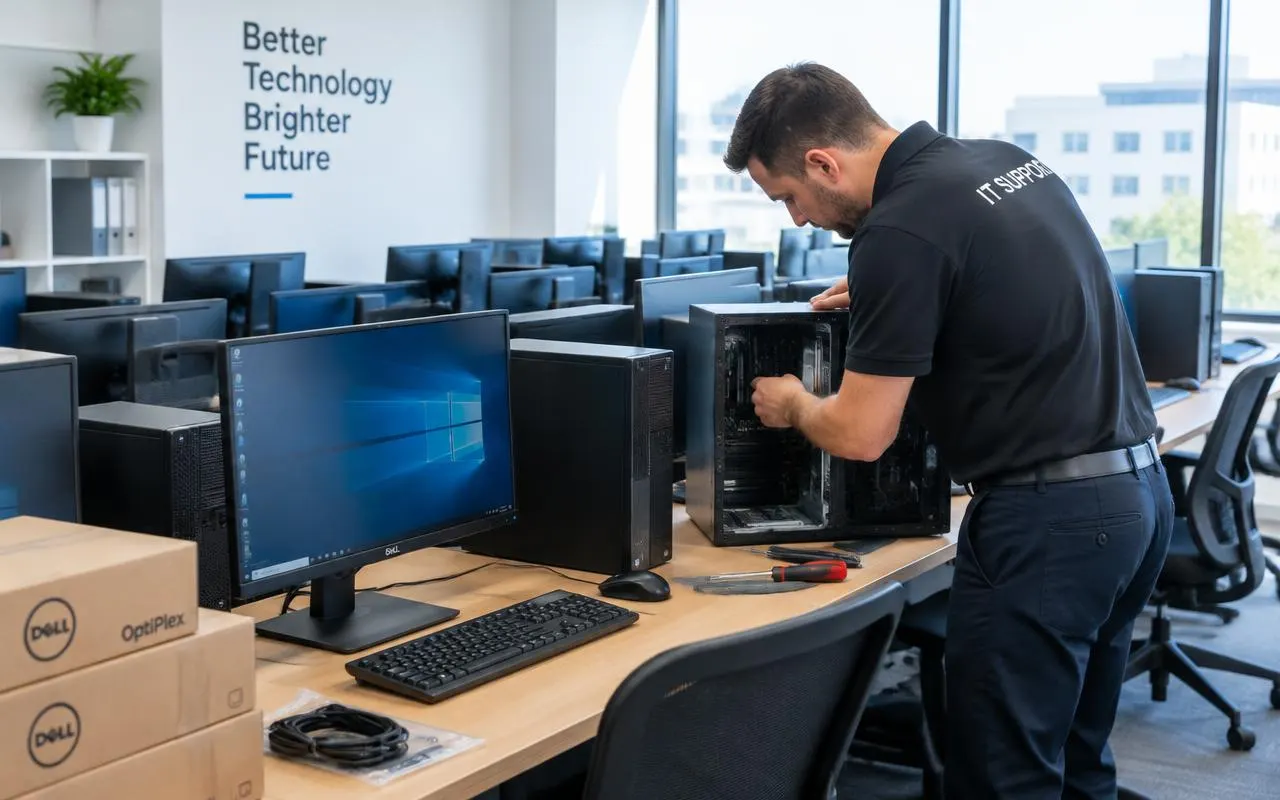
We handle multi-desk orders as one project: matching configurations, set-up and ongoing support.
We list who uses each desk and which software they run, then suggest one or two standard configurations.
Identical builds on every desk, so set-up, troubleshooting and spare parts stay simple.
An itemised quote for the whole order. GSTIN for invoices: 19ABCDE1234F1Z5.
Optional annual maintenance for your office PCs, printers and network.
Buying guide
Four decisions that save money and downtime over the life of your office PCs.
Office PCs often stay on desks for five years or more. A 6-core processor, 16 GB RAM and an SSD keep everyday work fast for that whole period, while 8 GB machines start to struggle with today's browsers and video calls.
Avoid hard-disk-only systems. An SSD is the single biggest speed improvement for office work.
Pro adds BitLocker drive encryption, Remote Desktop hosting, Group Policy and domain or Entra ID joining. If a laptop or desktop with customer data is stolen, encryption keeps the data private.
Keep a record of the Windows and Office licence details for every machine.
Identical machines are faster to set up, support and repair, and spare parts fit every desk. Pair every PC with a UPS: power cuts and voltage dips cause lost work and damaged drives.
Back up billing and accounting data daily, and keep one copy off-site or in the cloud.
Budget for maintenance: cleaning, updates, antivirus checks and quick repairs. An annual maintenance contract (AMC) turns surprise breakdowns into scheduled visits.
See B2B IT support & AMC for offices, shops and schools.
Compare
Typical component classes for each type of desk.
| Type | Typical work | Processor | RAM | Storage | Displays | Footprint |
|---|---|---|---|---|---|---|
| Billing & front desk | Billing software, GST invoices, printing | 4–6 core | 8–16 GB | 256–512 GB SSD | 1 | Small tower or mini PC |
| Everyday office | Email, MS Office, browser, video calls | 6-core | 16 GB | 512 GB SSD | 1–2 | Small tower |
| Accounts & power user | Large spreadsheets, Tally, ERP, many tabs | 6–8 core | 32 GB | 1 TB SSD | 2–3 | Mid tower |
| Mini PC | Reception, kiosks, light office work | 6-core mobile-class | 16 GB | 512 GB SSD | 1–2 | Behind the monitor |
| All-in-one | Clean desks, reception, video calls | 6-core | 16 GB | 512 GB SSD | Built-in | Screen only |
Swipe the table sideways to see every column
Office PC questions
Short answers first. Ask us anything else in store or on WhatsApp.
See all FAQsFor email, MS Office, browsers and video calls: a 6-core Core i5 or Ryzen 5 class processor, 16 GB RAM and a 512 GB SSD. Billing-only counters can manage with less; accounts staff with large files benefit from 32 GB.
Home works for a single user. Choose Pro for business: it adds BitLocker encryption, Remote Desktop hosting, Group Policy and domain joining, which matter once you have several PCs or sensitive data.
Yes. Billing and accounting software such as Tally runs comfortably on any of these configurations. Tell us the exact software and version and we will check its requirements, including any for multi-user data sharing.
Yes, ask for a bulk quote with the number of desks and what each person does. We confirm availability and the current price for the whole order before you commit.
Share your business GSTIN when you order and ask for a GST invoice. Our GSTIN is 19ABCDE1234F1Z5.
Yes, through an annual maintenance contract that covers scheduled check-ups and priority repairs. See B2B IT support & AMC for what is included.
For email, documents, browsing and billing, a modern mini PC is quick, quiet and saves desk space. Choose a tower if you need a graphics card, many drives or easy upgrades.
Keep exploring
Tell us how many people and what they work on. We will suggest a standard configuration.