
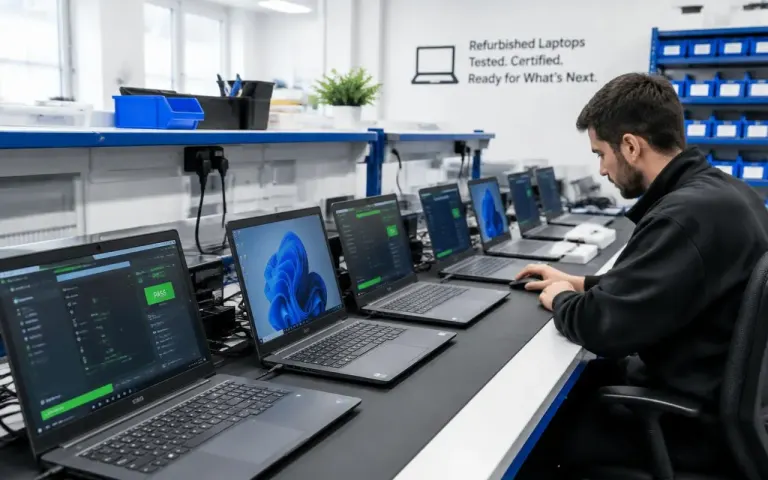
How To Choose a Refurbished Laptop
Battery health, screen, keyboard, warranty and the questions to ask before you pay.
Buying guide
Performance per rupee, upgrades, heat, noise, power cuts and portability: an honest comparison to help you choose between a gaming desktop and a gaming laptop.
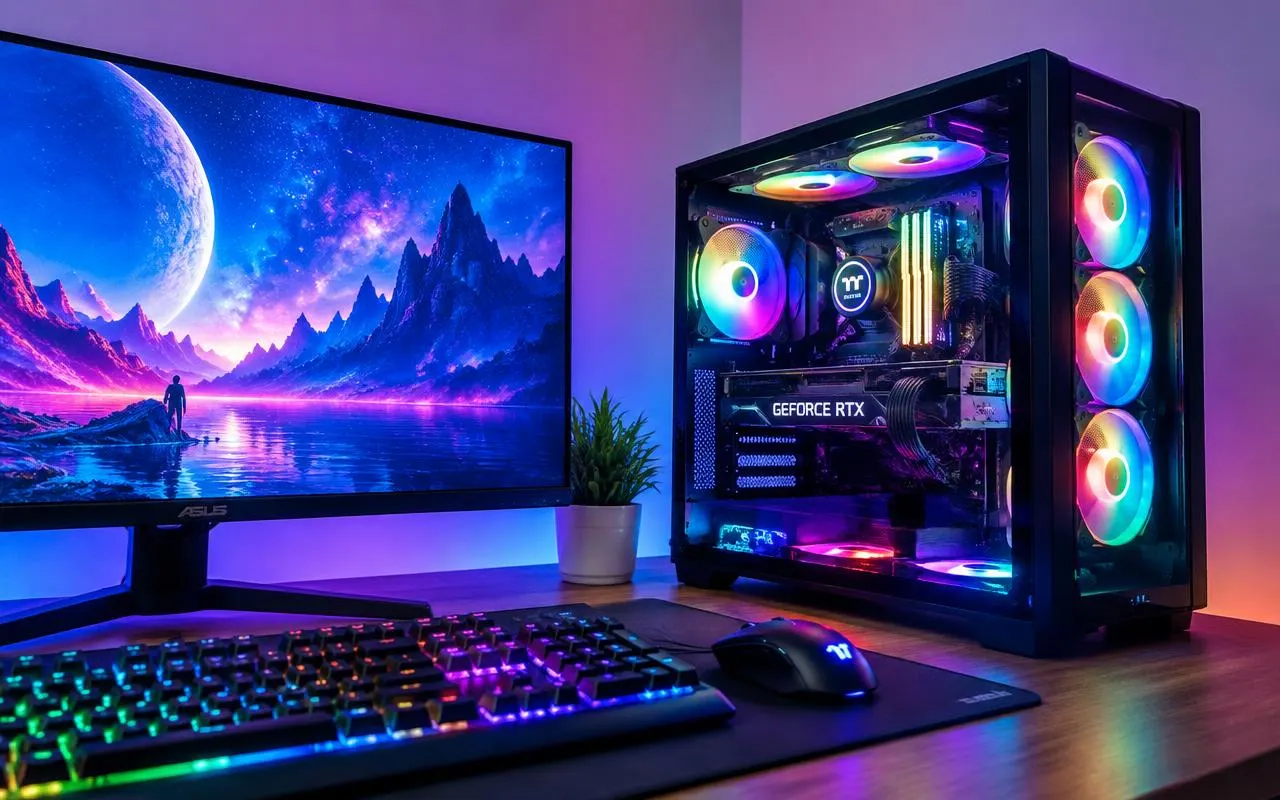
Quick answer
For the same budget, a gaming desktop gives more performance, runs cooler and quieter, and is far easier to upgrade. A gaming laptop costs more for similar performance, but you can carry it and its battery rides out short power cuts. Choose a desktop if you play in one place, and a laptop only if you must move.
If you are buying a computer mainly for games, the first decision is not which graphics card or brand. It is whether you want a desktop or a laptop. Both can run modern games well, but they suit very different lives, and the wrong choice can mean paying more for less, or ending up with a machine you can’t carry when you need to.
Here is an honest comparison of the two, based on the questions buyers ask us most.
A desktop, nearly every time. A desktop has room for full-size parts, big coolers and a proper power supply, so its processor and graphics card can run at full power for hours. A laptop has to fit similar work into a slim case running on a small power adapter.
That is why names can mislead you. A laptop graphics chip that shares its name with a desktop card is usually a lower-powered version, and it is slower. Laptop makers also choose how much power to give the same chip, so two laptops with the “same” graphics can perform quite differently. Always look at reviews of the exact laptop model, not just the chip name.
Gaming laptops also need to be plugged in for full performance. On battery they reduce power to save charge, and a long gaming session can drain the battery quickly.
This is where desktops pull far ahead. In a desktop, almost every part is a standard component you can replace on its own: the graphics card, memory, storage, power supply and, within the limits of the motherboard, the processor. When a new game needs more, you upgrade one part instead of buying a whole new computer.
In most gaming laptops the processor and graphics chip are soldered to the motherboard and cannot be upgraded. Many still allow you to add memory or a second SSD, but some have memory soldered on too. Repairs are also more model-specific: a failed laptop fan, hinge or screen needs a part made for that exact model, while desktop parts are widely available.
A desktop, because large fans spinning slowly move more air with less noise. A gaming laptop under full load gets hot and its fans can be loud, which matters if you share a room or play late at night.
In a hot, humid summer, cooling matters even more. Keep a laptop on a hard, flat surface (never a bed or cushion), keep its vents clear, and have the fans cleaned now and then. A laptop that overheats will slow itself down to stay safe, so you lose the performance you paid for.
| Factor | Gaming desktop | Gaming laptop |
|---|---|---|
| Performance for your budget | Higher | Lower for the same money |
| Upgrades | Graphics, memory, storage, power supply and more | Usually memory and storage only, if at all |
| Heat and noise | Cooler and quieter under load | Hot and loud under long gaming sessions |
| Portability | Stays on one desk | Carry it between home, hostel and college |
| Power cuts | Needs a UPS | Battery acts as a built-in backup |
| Screen and peripherals | Monitor, keyboard and mouse bought separately | Screen, keyboard and touchpad built in |
| Repairs | Standard parts, widely available | Model-specific parts |
Swipe the table sideways to see every column
The box price is not the full story. With a desktop, budget for a monitor, keyboard, mouse and, in most homes, a UPS so that a power cut does not switch the PC off mid-game or mid-save. A good gaming monitor can be a sizeable part of the budget, and it is worth it, because the monitor decides what you actually see.
With a laptop, the screen and keyboard are included, but many people still add a cooling stand, an external mouse and a headset. Battery wear is another cost: gaming laptops work their batteries hard, and a battery replacement may be needed sooner than on an office laptop.
It can be, but go in with open eyes. Gaming laptops are usually heavier than everyday laptops, their chargers are large, and battery life away from the plug is often short, which matters if you need a full day of classes or meetings without a socket. Their fans can also be noticeable in a quiet lecture hall or office.
If you mostly need a laptop for study or work and want to game on the side, a balanced model with a modest graphics chip and good battery life may serve you better than a heavy gaming laptop.
Some people solve the problem with both: a gaming desktop at home and a light, inexpensive laptop for study or work. That is often cheaper than one high-end gaming laptop, and each machine does its job better.
If you don’t need to carry it, buy a desktop. You get more performance for your money, a quieter and cooler machine, and an easy upgrade path. Buy a gaming laptop only when portability really matters, and choose one with good cooling and an honest power rating for its graphics.
You can browse sample builds on our gaming desktops page, compare portable options on our laptops page, or ask for a custom PC built around your games. We quote to your budget, and you can ask us anything before you decide.
No. A laptop graphics chip with the same name usually runs at much lower power to keep heat under control, so it is slower than the desktop card. Laptop makers also set different power limits, so check reviews of the exact laptop model, not just the chip name.
Yes. Most gaming laptops have HDMI, and many have DisplayPort or a USB-C port with video output. Check the laptop's specifications for the highest resolution and refresh rate each port supports, so it matches your monitor.
They run hot under load because powerful parts sit in a thin case. Within limits that is normal, but blocked vents, soft surfaces and dust make it worse and can slow the laptop down. Use it on a hard surface, keep the vents clear and have the fans cleaned from time to time.
It is strongly recommended wherever power cuts or voltage fluctuations are common. A UPS keeps the PC running long enough to save and shut down properly, and protects your work and parts from sudden power loss. Choose one rated for your PC and monitor together.
A desktop usually stays useful longer, because you can replace the graphics card, add memory or storage and swap a failed part. A gaming laptop's processor and graphics are fixed, so when new games outgrow it, the whole laptop usually has to be replaced.
Tell us what you play, your monitor and your budget. We suggest a parts list, then build, test and set it up.